
How to Generate Release Notes from GitHub Commits Without Writing Them Manually
Learn how to automate the generation of release notes from GitHub commits, saving time and improving communication with customers.
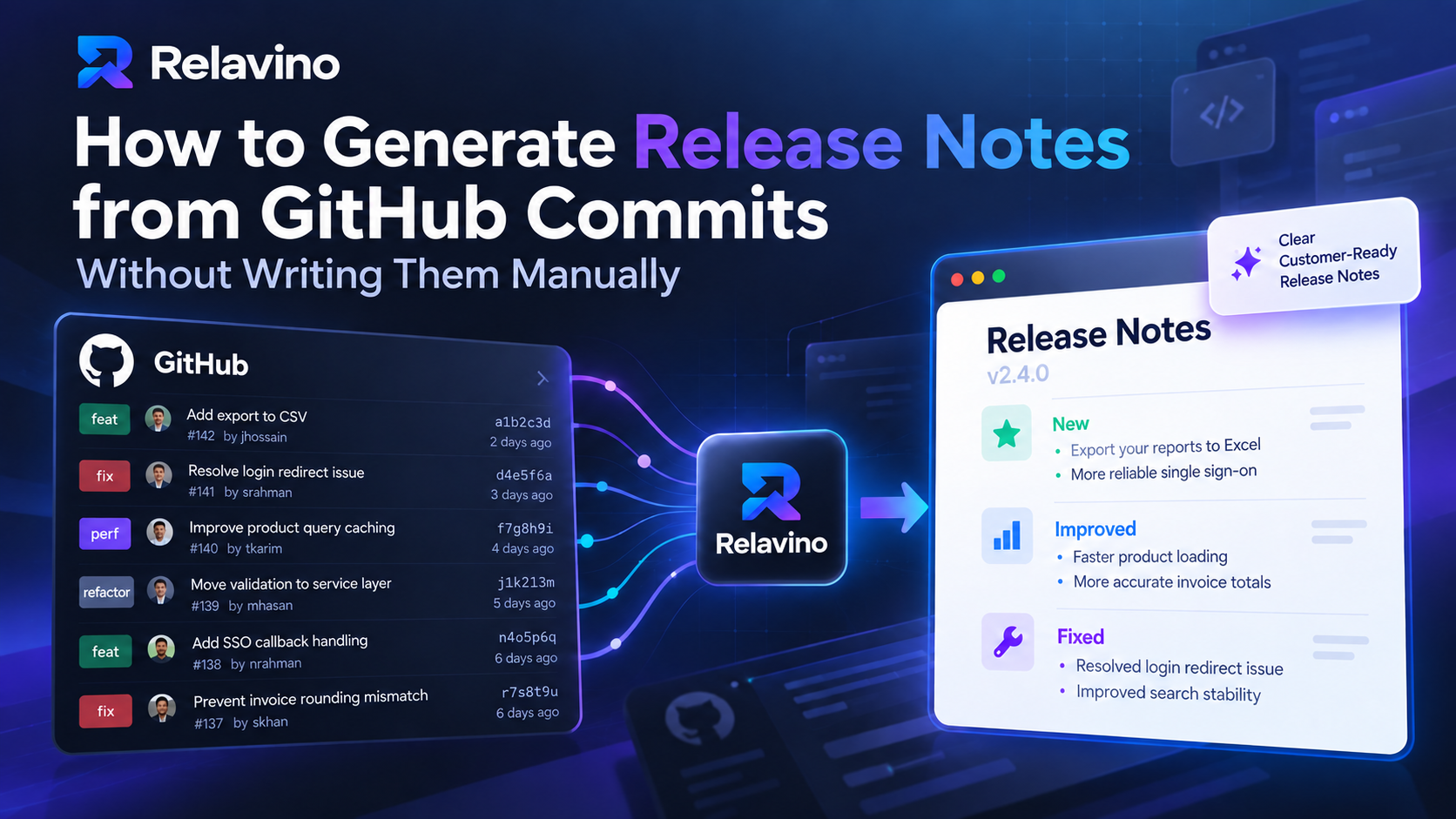
Shipping software is usually the easy part.
Explaining what shipped is where things start to break down.
A developer merges a handful of pull requests. Someone fixes a bug that customers have complained about for weeks. Another engineer improves performance. A small feature quietly goes live.
Technically, the release is done.
But then someone asks:
“What should we put in the release notes?”
And suddenly a product manager, developer, or founder is digging through GitHub commits, Slack messages, tickets, and pull requests trying to reconstruct what actually changed.
This is still surprisingly common.
The good news is that most of the information needed to create release notes already exists inside GitHub. The challenge is turning that technical activity into something useful for the people reading it.
In this guide, we’ll look at how to generate release notes from GitHub commits without manually rewriting every change.
Why Writing Release Notes Manually Becomes a Problem
Release notes often start simple.
When a product has one developer and a few releases per month, someone can quickly write:
Added CSV export
Fixed login issue
Improved dashboard performance
That works.
But as the product grows, the process gets messy.
You may have:
multiple developers
dozens of commits per release
several repositories
inconsistent commit messages
technical pull request descriptions
internal fixes customers should never see
product changes that need explanation, not just listing
At that point, writing release notes becomes a small research project.
Someone needs to determine:
What changed?
Which changes matter to customers?
Which changes are purely technical?
How should each change be explained?
What should be left out?
The issue isn’t really the writing.
The issue is collecting, filtering, understanding, and translating development activity.
Automation can help with all four.
GitHub Already Contains Most of Your Release Information
Before adding another process, it helps to look at what your development team is already producing.
A typical GitHub repository contains useful release information across:
commits
pull requests
PR titles
PR descriptions
labels
contributors
issues
tags
branches
releases
GitHub Releases are built around Git tags, which identify specific points in a repository’s history. GitHub also supports automatically generated release notes instead of requiring teams to write every release description manually.
That means your development workflow is already creating a trail of information.
The real question is:
How do you turn that trail into release communication people actually want to read?
Option 1: Generate Release Notes Directly in GitHub
GitHub has a built-in Generate release notes feature.
When creating a new release, you can select a tag and ask GitHub to generate release notes automatically.
GitHub can include information such as merged pull requests, contributors, and a link to the full changelog. Teams can also customize generated notes by grouping pull requests using labels and excluding certain labels or contributors.
For engineering-focused releases, this can work very well.
Instead of manually listing every merged pull request, GitHub can produce a structured starting point.
Where GitHub-generated release notes work well
They are especially useful when:
your audience is technical
pull request titles are already clear
you maintain an open-source project
contributors want traceability
you mainly need a technical changelog
your GitHub workflow is already well organized
For example, GitHub might produce something conceptually similar to:
## What's Changed

* Add support for CSV export
* Fix authentication redirect issue
* Improve product query caching
* Update billing validation

## New Contributors

* @developer1 made their first contribution
For developers, that is useful information.
For customers, it may not be enough.
The Problem With Turning Raw Development Activity Into Customer Release Notes
Consider these example commits:
feat(auth): add SSO callback handling

fix(invoice): prevent rounding mismatch on split payments

perf(products): cache product query results

refactor(customer): move validation to service layer
Every line makes sense to the development team.
Now imagine sending those directly to customers.
A customer probably doesn’t care that validation moved to a service layer.
They may not know what “callback handling” means.
And perf(products): cache product query results describes an implementation, not an outcome.
A customer-facing version might instead say:
Single sign-on is now more reliable
We improved the authentication flow for users signing in through SSO.
More accurate invoice totals
We fixed a rounding issue that could affect invoices using multiple payment methods.
Faster product loading
Product information now loads faster in areas with larger product catalogs.
Notice what happened.
The underlying changes did not change.
The language and context changed.
That transformation is where AI-assisted release communication becomes useful.
Option 2: Use Commit Messages as the Source
Another approach is to generate release notes directly from Git commits.
Conceptually, the workflow looks like this:
Previous release
      ↓
Git commits since that release
      ↓
Filter relevant commits
      ↓
Group changes
      ↓
Generate release notes
You can compare commits between tags or releases and use the commit history as your source.
For example:
v2.4.0
   ↓
42 commits
   ↓
18 relevant product changes
   ↓
7 customer-facing updates
This works best when your team follows reasonably consistent commit conventions.
A structured format such as:
feat:
fix:
perf:
docs:
refactor:
makes automatic classification much easier.
But you should be careful about assuming that one commit equals one release-note item.
It usually doesn’t.
A single feature may involve ten commits.
And ten small technical commits may represent only one meaningful customer-facing improvement.
Good automation needs to understand the relationship between changes rather than simply copy commit messages into a list.
Option 3: Use Pull Requests Instead of Individual Commits
For many teams, pull requests are actually a better release-note source than raw commits.
Why?
Because a pull request usually represents a more complete unit of work.
A developer may create commits such as:
add field
fix validation
fix tests
update copy
cleanup
But the pull request might be titled:
Add custom invoice fields
That is much easier to turn into a release note.
Pull requests can also contain:
descriptions
linked issues
labels
testing information
screenshots
business context
GitHub recommends using pull request templates to help contributors provide consistent context such as the purpose of a change, related issues, and testing information. Better structured PRs naturally give automated systems better information to work with.
So a stronger workflow can be:
Commits
   ↓
Pull requests
   ↓
Labels + descriptions
   ↓
AI classification
   ↓
Release communication
This gives the system much more context than commit messages alone.
Technical Release Notes and Customer Release Notes Are Not the Same Thing
This distinction is important.
A technical release note answers:
What changed in the software?
A customer-facing release note answers:
What changed for me?
Those questions overlap, but they are not identical.
Consider:
Technical:
Refactored Redis cache invalidation after product mutation.
That may be useful internally.
Customers probably shouldn’t see it.
But:
Customer-facing:
Product updates now appear more consistently across your workspace.
might be worth communicating if the change improves their experience.
The same release may therefore produce multiple outputs.
Technical changelog
For:
developers
engineering teams
API consumers
technical partners
Customer release notes
For:
SaaS customers
end users
product stakeholders
Client delivery report
For:
software agency clients
project owners
account managers
This is why simply dumping Git commits into a changelog is not enough for every use case.
Where AI Fits Into Release Note Automation
AI is useful here because the job involves more than formatting.
A good AI-assisted workflow can help:
Understand technical language
Convert:
fix(auth): handle expired refresh token race condition
into something more understandable.
Group related work
Ten commits related to one feature should not necessarily become ten release-note items.
Remove noise
Changes such as:
dependency bumps
formatting updates
tests
internal refactoring
CI configuration
may not belong in customer-facing communication.
Categorize changes
For example:
New
Improved
Fixed
Performance
Security
Adjust the audience
The same GitHub activity can be explained differently to:
developers
customers
management
clients
This is where AI provides much more value than simply generating Markdown.
But AI Should Not Automatically Publish Everything
Automation does not mean removing people from the process.
That would create another problem.
A generated note could:
misunderstand a technical change
expose internal information
exaggerate a feature
include something that hasn't actually shipped
describe an implementation detail customers don't need
use terminology that doesn't match your product
A safer workflow is:
GitHub activity
      ↓
AI-generated draft
      ↓
Human review
      ↓
Edit
      ↓
Publish
AI should reduce the work required to produce the first draft.
Your team should still decide what customers actually need to know.
That human review step is particularly important for release communication because your release notes represent the product publicly.
A Practical Automated Release Note Workflow
If you want to reduce manual work without losing control, a workflow like this works well.
Step 1: Define the release range
Identify what changed since the previous version.
For example:
v2.3.0 → v2.4.0
GitHub Releases can use tags to represent versions, and GitHub allows teams to select a previous tag when generating release notes.
Step 2: Collect GitHub activity
Gather:
commits
merged pull requests
PR descriptions
labels
linked issues
Step 3: Remove irrelevant activity
Filter out things such as:
formatting
tests
dependency maintenance
internal refactoring
CI/CD updates
unless they are relevant to your audience.
Step 4: Group related changes
Turn multiple technical changes into logical product updates.
Step 5: Rewrite for the intended audience
Ask:
What actually changed for the person using the product?
Step 6: Review the generated draft
A product manager, developer, founder, or release owner should check accuracy.
Step 7: Publish
Publish the final release note in the channel your customers actually follow.
That might be:
your public changelog
GitHub Releases
email
Slack
Discord
your application
a client delivery report
The workflow matters more than the publishing destination.
Example: From GitHub Activity to a Customer-Ready Release Note
Imagine this development activity:
feat(export): support XLSX download

fix(search): normalize query before lookup

perf(order): reduce duplicate database requests

refactor(export): move workbook creation into service

test(export): add xlsx integration tests
A naive automated changelog could produce:
- Added XLSX download
- Normalized search queries
- Reduced database requests
- Refactored workbook creation
- Added export integration tests
Technically accurate.
But not particularly useful to customers.
A better release note might be:
Export your reports to Excel
Reports can now be downloaded in XLSX format, making it easier to work with your data in Excel and other spreadsheet applications.
More reliable search
We improved how search queries are processed, helping produce more consistent results.
Faster order processing
We've optimized parts of the order workflow to reduce unnecessary processing and improve performance.
Three useful updates came from five technical commits.
That is the difference between automating a changelog and automating release communication.
How Relavino Approaches This Workflow
Relavino is built around this exact problem.
Instead of starting with a blank document every time something ships, Relavino connects GitHub development activity with the release communication process.
The workflow is:
Connect GitHub
     ↓
Select development activity
     ↓
Generate an AI-assisted draft
     ↓
Review and edit
     ↓
Publish or share
The goal is not to replace the developer or product manager making the final decision.
The goal is to remove the repetitive work between:
“The code has shipped.”
and:
“Customers know what changed.”
That can include customer-ready release notes, technical changelogs, and client delivery reports depending on who needs the update.
The important part is that the AI produces the draft while the team remains in control of what gets published.
Should You Use GitHub's Built-In Release Notes or an AI Tool?
There isn't one right answer.
Use GitHub's generated release notes when:
your audience is primarily developers
your PR titles already communicate changes clearly
you want contributor information
you need a straightforward technical release history
you don't need much rewriting
GitHub already provides a strong native solution for this use case.
Consider an AI-assisted workflow when:
customers are the primary audience
commit messages are too technical
multiple commits need to be summarized into one update
you need different versions for different audiences
release communication is regularly delayed
a product manager is manually collecting information from developers
an agency needs to explain development progress to clients
The difference is less about automation itself and more about who will read the final output.
How to Get Better Automated Release Notes
Your automation will only be as good as the information your development workflow provides.
A few practices make a significant difference.
Write meaningful pull request titles
Instead of:
Fix issue
use:
Fix duplicate payment records during checkout
Add context to PR descriptions
Explain what changed and why.
This helps reviewers today and automation later.
Use consistent labels
For example:
feature
bug
performance
security
internal
documentation
GitHub's own generated release-note system can use labels to organize and exclude changes.
Maintain sensible version boundaries
Clear tags such as:
v2.3.0
v2.4.0
v2.4.1
make it easier to identify what belongs to each release.
Don't publish the first generated draft blindly
Automation should save time, not remove judgment.
Release Notes Should Be Part of Shipping, Not an Afterthought
The biggest improvement teams can make may not be choosing a better writing tool.
It is changing when release communication happens.
A common workflow looks like:
Build
↓
Test
↓
Deploy
↓
Forget about release notes
↓
Someone asks for them later
↓
Reconstruct everything manually
A better workflow is:
Build
↓
Merge
↓
Deploy
↓
Generate release draft automatically
↓
Review
↓
Publish
Release communication becomes part of the release process itself.
Once that happens, the question changes from:
“Who has time to write the release notes?”
to:
“Is this draft accurate and ready to publish?”
That is a much smaller problem.
Final Thoughts
You probably don't need another place where developers manually document what they already documented somewhere else.
The information exists.
It's in GitHub.
The opportunity is to turn that information into something useful without creating another repetitive task for the team.
GitHub's native generated release notes are already a good option for technical release documentation. AI-assisted workflows can take the process further when the audience is customers, product teams, or clients rather than developers alone.
The best workflow is not completely manual.
And it probably shouldn't be completely automatic either.
A better model is:
GitHub provides the source.
Automation prepares the draft.
Humans provide the judgment.
That is how release notes stop being something your team has to remember to write—and become a natural part of shipping software.
Frequently Asked Questions
Can GitHub generate release notes automatically?
Yes. GitHub can automatically generate notes for a release, including merged pull requests, contributors, and a link to the full changelog. Generated notes can also be customized using labels and configuration.
Can release notes be generated directly from Git commits?
Yes. Commits between versions can be collected and processed to create release notes. However, raw commit messages often need filtering, grouping, and rewriting before they are suitable for customers.
Should I use commits or pull requests to generate release notes?
Pull requests usually provide richer context because they can include titles, descriptions, labels, linked issues, and several related commits. Commit-level data can still be useful, particularly when commit messages are structured consistently.
What is the difference between a changelog and release notes?
A changelog generally provides a structured history of technical changes. Release notes are often more selective and explain the most important changes for a particular audience.
Can AI completely automate release notes?
AI can automate much of the collection, summarization, categorization, and drafting process. Human review is still valuable for accuracy, security, tone, and deciding which changes customers actually need to see.
How often should a SaaS company publish release notes?
There is no universal schedule. A useful rule is to align communication with meaningful releases rather than publishing simply to meet a calendar. Teams shipping frequently may publish weekly or biweekly, while others may communicate at major release milestones.